Choosing the right font can change how people feel about your design. A good font makes your website, logo, or social media post look clean and professional. But finding the perfect font is not always easy. There are thousands of options out there, and it takes a lot of time to test them one by one.
That is where Fontlu comes in. It is a modern online platform built to help you discover, preview, and download fonts without any trouble. Whether you are a beginner or a working designer, Fontlu makes the whole process simple and enjoyable.
In this article, you will learn what Fontlu is, how it works, what features it offers, and how you can use it to find the best free fonts for your next project.
What Is Fontlu?
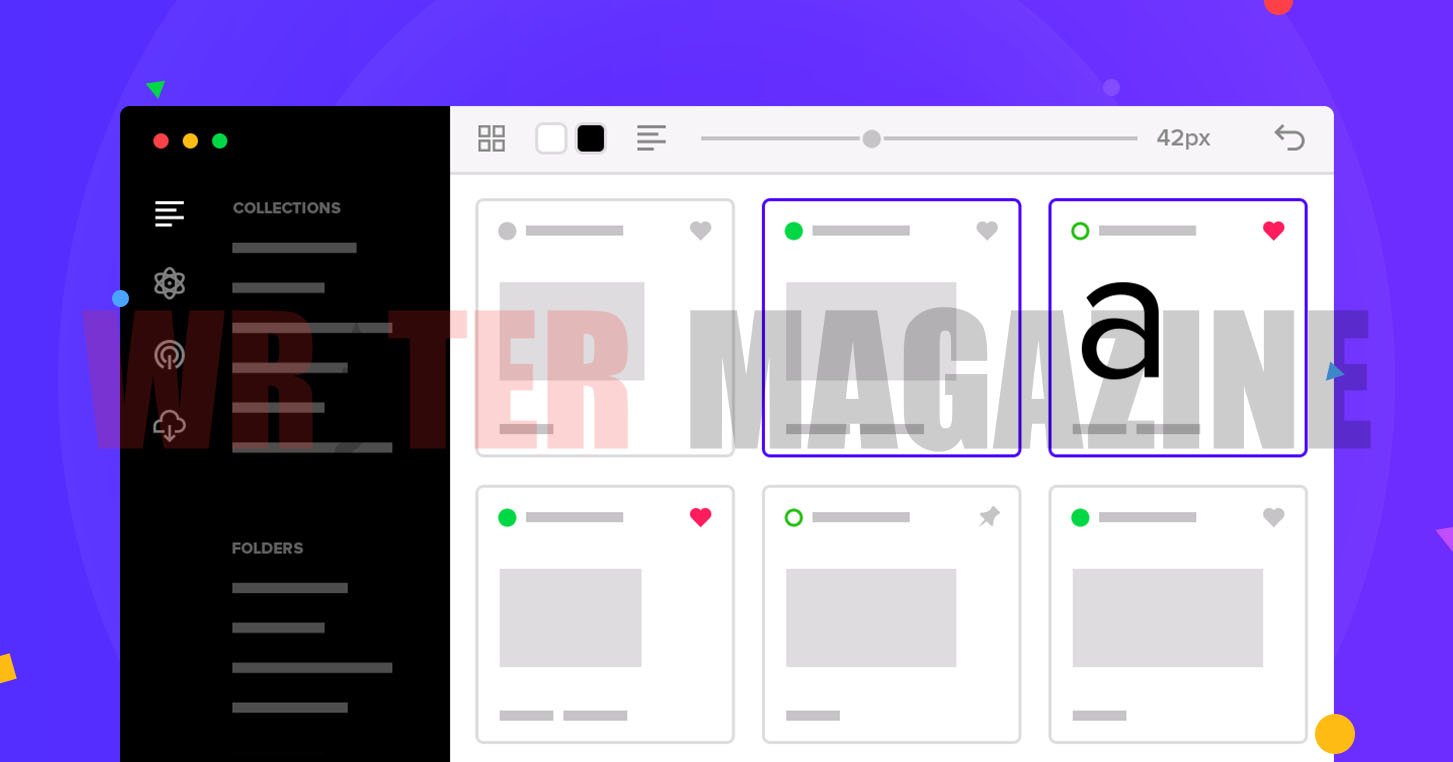
Fontlu is a cloud-based font management and discovery platform. It gives you access to a large collection of both free and premium fonts. You can browse different font styles, see how they look with your own text, and download them directly to your computer.
Unlike old-style font websites that just show you a long list of names, Fontlu focuses on the experience. It lets you feel how a font looks before you decide to use it. You can preview fonts in real time, which means you type your own text and see how it appears right away. This saves a lot of guessing and wasted time.
The platform works for many kinds of users. Graphic designers use it for client work. Web developers pick fonts for websites. Content creators choose fonts for social media posts and videos. Even small business owners use Fontlu to find the right look for their brand.
Key Features of Fontlu
Fontlu is not just a place to download fonts. It offers a set of helpful tools that make working with typography much easier. Here are some of the main features that make it stand out.
Large Font Library
Fontlu has thousands of fonts in its collection. You can find all the popular styles, including serif, sans-serif, script, handwritten, display, and monospace fonts. Each style works best for a different purpose. For example, serif fonts look great in formal documents, while script fonts add a personal and creative touch.
Real-Time Preview
One of the best things about Fontlu is the live preview tool. You do not have to download a font first to see how it looks. Just type your text into the preview box, and the platform shows you how your words will appear in that font. This feature helps you make faster and better decisions.
AI Font Pairing Suggestions
Picking one font is hard enough. But most designs need two or three fonts that work well together. Fontlu uses smart technology to suggest font combinations that look good side by side. It checks things like the shape, size, and mood of each font and then recommends pairs that match. This is very helpful if you are not sure which fonts go together.
Easy Customization Tools
Fontlu lets you change the look of a font before you download it. You can adjust things like the size, weight (how thick or thin the letters are), spacing between letters, and alignment. These small changes can make a big difference in how your design looks.
Works With Popular Design Software
Fonts you download from Fontlu come in common file formats like TTF (TrueType Font) and OTF (OpenType Font). These formats work smoothly with most design tools, including Photoshop, Illustrator, Figma, and Canva. So you can start using your new font right away without any extra steps.
Team Collaboration
If you work with a team, Fontlu lets you share font collections with your coworkers. You can create project folders, add notes, and give feedback on different font choices. This keeps everyone on the same page and makes the design process faster.
How to Use Fontlu to Find Free Fonts
Getting started with Fontlu is simple. You do not need to be a design expert to use it. Here is a step-by-step guide to help you find and download free fonts for your projects.
Step 1: Visit the Fontlu Website Go to the Fontlu website using your browser. The homepage is clean and easy to understand. You will not see confusing menus or pop-ups.
Step 2: Browse or Search for Fonts You can look through the font categories, or you can use the search bar to find a specific style. For example, if you need a modern-looking font, try searching for “sans-serif” or “minimal.”
Step 3: Preview the Font Click on any font that catches your eye. Then type your own text into the preview box to see how it looks. Try different sizes and styles to get a full picture.
Step 4: Check the License Before you download, always read the license information. Many fonts on Fontlu are free for personal use. Some are also free for commercial projects. But others may need a paid license if you want to use them for business. Always check this to stay safe.
Step 5: Download and Install Once you find a font you like, click the download button. The file will come in a ZIP folder. Open it, find the font file (usually a .ttf or .otf file), and install it on your computer. After that, the font will appear in your design software automatically.
Why Typography Matters in Design
You might wonder why fonts are such a big deal. The truth is, the font you choose says a lot about your brand or project. Here is why typography matters so much.
First Impressions Count. When someone visits your website or sees your poster, the font is one of the first things they notice. A clean, professional font builds trust. A messy or hard-to-read font pushes people away.
Readability Is Everything. If people cannot read your text easily, they will leave. Good typography makes sure your message is clear on all screens and in all sizes.
Fonts Set the Mood. Different fonts create different feelings. A bold, thick font feels strong and powerful. A thin, elegant font feels soft and premium. Choosing the right mood helps your audience connect with your message.
Brand Identity. Big companies spend a lot of money on choosing the right font. That is because fonts help people remember a brand. When you use the same font everywhere, it creates a consistent look that people start to recognize.
Fontlu vs. Other Font Platforms
There are many font websites on the internet. Google Fonts, Adobe Fonts, DaFont, and Font Squirrel are some of the popular ones. So what makes Fontlu different?
The biggest difference is the user experience. Many older font websites feel cluttered and hard to navigate. Fontlu keeps things clean and organized. The smart search, live preview, and AI pairing tools save you time and effort.
Another advantage is the balance between free and premium options. While Google Fonts is completely free, it has a limited selection of styles. Adobe Fonts needs a paid subscription. Fontlu gives you a good mix of both free and premium fonts, so you can find what you need without spending money right away.
Fontlu also puts more focus on helping you manage your fonts. It is not just a download site. It is more like a workspace where you can organize, test, and share fonts with your team.
Tips for Choosing the Right Font
Here are a few simple tips to keep in mind when picking fonts for your next project.
Keep it simple. Do not use too many fonts in one design. Two or three fonts are usually enough. One for headings, one for body text, and maybe one for accents.
Think about your audience. A playful script font works well for a children’s party invitation. But it would look strange on a law firm’s website. Always think about who will see your design.
Test on different screens. A font that looks beautiful on your computer may look different on a phone. Always test your font on multiple devices before you finalize it.
Check loading speed. If you are using custom fonts on a website, make sure they do not slow down your page. Heavy font files can hurt your site’s performance and search engine ranking.
Pair fonts that contrast. A good font pair usually has one bold or decorative font for headings and a simple, clean font for body text. This creates a nice visual balance.
The Future of Fontlu
Fontlu is growing quickly in 2026. More designers and businesses are starting to use it as their main tool for font discovery and management. The platform keeps adding new features like better AI suggestions, more collaboration tools, and support for variable fonts that can change their weight and width smoothly.
As websites and apps become more focused on user experience, tools like Fontlu will become even more important. Good typography is no longer just a design choice. It affects how people use your product, how long they stay on your page, and how much they trust your brand.
Final Thoughts
Fontlu is a helpful and easy-to-use platform for anyone who works with fonts. It takes the stress out of font hunting and gives you smart tools to make better design choices. Whether you are building a website, creating a logo, or designing a social media post, Fontlu can help you find the perfect font without wasting hours of your time.
If you have not tried it yet, it is worth a visit. Start with the free fonts, explore the preview tools, and see how the right typography can improve your work.
Frequently Asked Questions (FAQs)
1. What is Fontlu?
Fontlu is an online platform where you can find, preview, and download free and premium fonts for your design projects. It works as both a font library and a font management tool.
2. Is Fontlu free to use?
Yes, Fontlu offers many fonts that are free to download and use. It also has premium fonts that may need a paid license, especially for commercial use.
3. Do I need to create an account to download fonts from Fontlu?
In most cases, you can download fonts without signing up. However, creating an account may give you access to extra features like saved collections and updates.
4. What font file formats does Fontlu support?
Fontlu provides fonts in popular formats like TTF (TrueType Font) and OTF (OpenType Font). These work with most design software and operating systems.
5. Can I use Fontlu fonts for my business or commercial projects?
Yes, many fonts on Fontlu are licensed for commercial use. But you should always check the license details of each font before using it in a paid or business project.
6. Does Fontlu work with design tools like Canva, Photoshop, and Figma?
Yes. Once you download a font from Fontlu and install it on your computer, it will appear in your design software automatically. Fontlu fonts also work directly with some design tools through built-in integrations.
7. What is the AI font pairing feature on Fontlu?
Fontlu uses smart technology to suggest fonts that look good together. It checks the style, shape, and mood of your selected font and then recommends matching fonts for a balanced design.
8. Is Fontlu safe to download fonts from?
Yes, Fontlu is a trusted platform. It provides properly licensed fonts and clear information about how you can use each one.
9. Can I use Fontlu on my phone or tablet?
Yes, the Fontlu website is designed to work on different devices. You can browse and preview fonts on your phone, though downloading and installing fonts is usually easier on a computer.
10. How is Fontlu different from Google Fonts or Adobe Fonts?
Google Fonts is completely free but has fewer style options. Adobe Fonts needs a paid subscription. Fontlu gives you a mix of free and premium fonts along with extra tools like AI pairing, real-time preview, and team collaboration features, all in one place.
Stay connect with us for every lastes information Writermagazine.